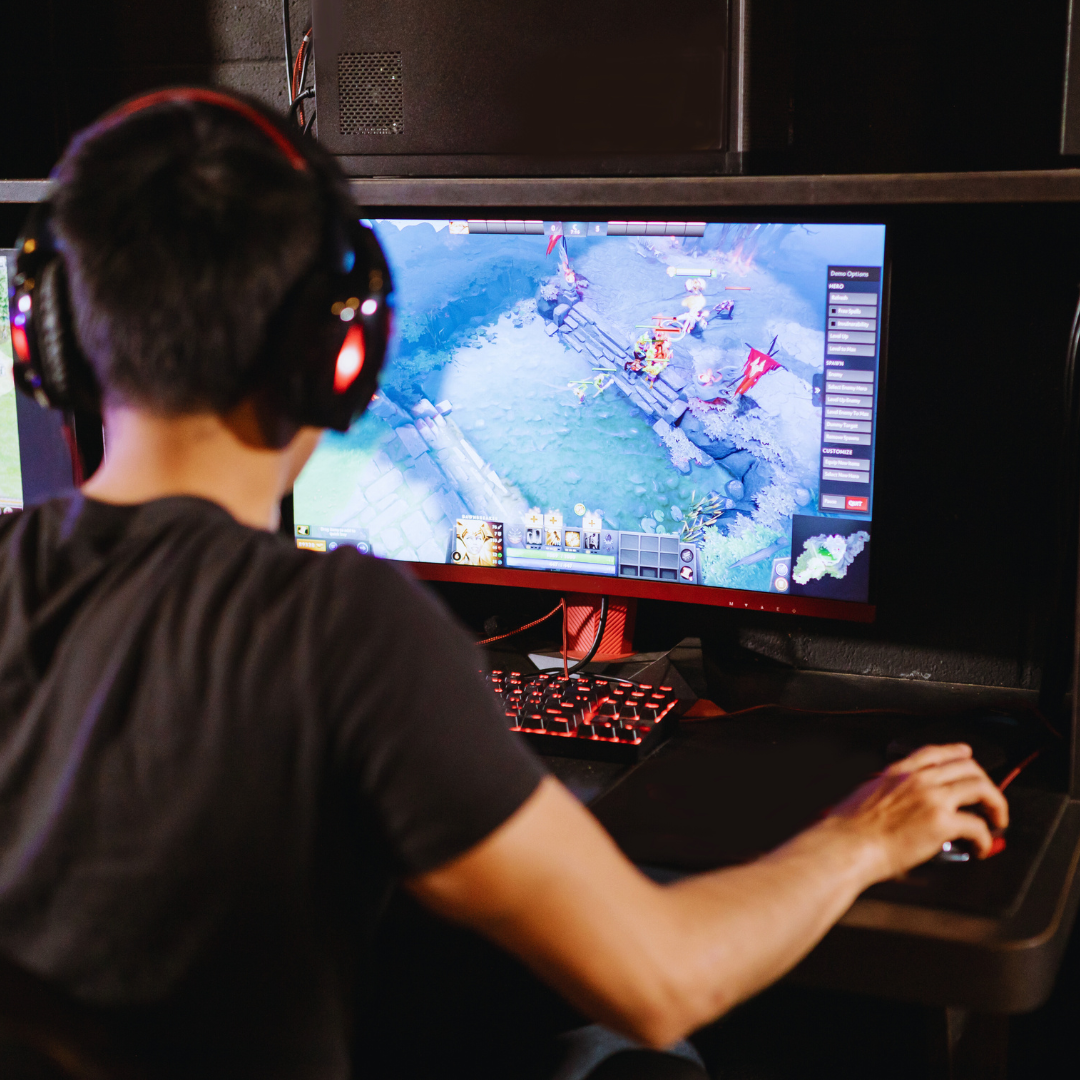
Every serious gamer knows that the right tools can enhance the gaming experience significantly. Top tools every gamer should have on their computer include performance monitoring software, voice chat applications, and game launchers, which collectively improve both performance and communication. These essential programs help gamers optimize their systems and stay connected with friends during gameplay.
In an ever-evolving digital landscape, having the correct software can mean the difference between victory and defeat. Some tools allow customization of settings while others provide real-time feedback to enhance gameplay. With so many options available, choosing the right ones suited to individual gaming styles becomes crucial for success.
Investing time in selecting these tools empowers gamers to tap into their full potential. Utilizing the best software not only streamlines the gaming experience but also fosters a sense of community. Being equipped with these resources ensures that gamers remain competitive and engaged.
Essential Game Management Platforms
Game management platforms play a vital role in helping gamers organize their libraries, launch titles efficiently, and access community features. Two major platforms stand out in the PC gaming landscape.
Steam: The Ultimate Game Library
Steam is a premier gaming platform, offering access to thousands of games across various genres. Its user-friendly interface allows for easy navigation and management of game libraries.
Key features include:
- Library Management: Users can categorize games into collections and utilize tags for better organization.
- Automatic Updates: Steam automatically updates games, ensuring players always have the latest features and fixes.
- Community Integration: Users can access forums, guides, and user-generated content seamlessly.
With regular sales and discounts, Steam also helps gamers save money on popular titles. This makes it essential for any PC gaming enthusiast.
Organizing and Launching Your Titles
Efficient organization of games enhances the gaming experience. Many platforms, including Steam, provide options to create personalized libraries.
Features to consider:
- Shelf Organization: Customizable shelf settings allow gamers to prioritize favorite titles.
- Launch Options: Quick launch options enable immediate access to recent or frequently played games.
- Game Tags and Filters: Utilizing tags helps users sort games by genre, multiplayer options, or playtime.
These organizational tools are crucial for gamers managing vast collections on their gaming PCs. Proper game management platforms streamline access and enhance overall user experience.
Performance and Optimization Tools
Performance and optimization tools enhance the gaming experience by improving system efficiency and graphics performance. These applications help users manage resources, optimize settings, and ensure smoother gameplay across various titles.
MSI Afterburner for GPU Tuning
MSI Afterburner is an essential tool for users looking to fine-tune their graphics card’s performance. It offers a user-friendly interface to adjust clock speeds, voltage, and fan speeds.
Key features include:
- Real-time Monitoring: Users can track GPU temperature, usage, and clock speeds.
- Overclocking Capabilities: It allows for safe overclocking to boost performance.
- Custom Fan Control: Tailor fan speeds based on temperature thresholds to optimize cooling.
This tool is compatible with most graphics cards, providing flexibility for both casual and competitive gamers.
Razer Cortex and Game Booster Utilities
Razer Cortex is a comprehensive gaming optimization suite. It enhances game launch times and overall system performance through various features.
Important functionalities include:
- Game Booster: Disables unnecessary background processes while gaming, freeing up system resources.
- Game Launcher: It organizes games and optimizes settings based on individual game requirements.
- System Cleanup: Routine maintenance tools help remove junk files and improve loading times.
Razer Cortex supports a wide range of games and works particularly well with Razer hardware, though it is beneficial for all systems.
Nvidia GeForce Experience and Graphics Optimization
Nvidia GeForce Experience is specifically designed for users of Nvidia graphics cards. It streamlines game optimization and driver updates.
Main features consist of:
- Automatic Game Optimization: Adjusts game settings based on system specifications for optimal performance.
- Driver Updates: Regularly checks for and installs the latest GPU drivers.
- ShadowPlay: Captures gameplay footage without significant performance loss.
This tool is essential for gamers who want to ensure their graphics settings are always optimized for the best experience possible.
Communication and Social Tools
Effective communication enhances the gaming experience, allowing players to strategize and socialize. Key tools facilitate voice chats and collaborative features that every gamer finds essential.
Discord for Voice and Community
Discord has become the go-to platform for gamers, offering high-quality voice channels and text chat functionality. It allows users to create or join servers tailored to specific games or communities.
- Voice Channels: Players can communicate in real-time during gameplay, improving coordination and collaboration. These channels support high-fidelity audio and are often customizable to suit group sizes.
- Community Engagement: Discord enables gamers to connect with like-minded individuals, share experiences, and participate in discussions. The platform’s role in building communities enhances social interaction beyond gaming sessions.
Collaborative Gaming Features
Many contemporary games integrate collaborative tools that enhance teamwork. These features are essential for scenarios requiring coordination.
- In-Game Clients: Tools like Steam and Battle.net include built-in chat systems. They allow for easy communication without needing to switch apps.
- Screen Sharing and Streaming: Players can broadcast their gameplay to friends or teammates. This feature helps strategize or simply share experiences in real-time.
Using these communication and social tools is critical for anyone engaged in PC gaming, as they help create a more connected and engaging environment.
Streaming and Gameplay Capture
Effective streaming and gameplay capture tools enhance the gaming experience by allowing gamers to record, share, and broadcast their gameplay seamlessly. Key tools focus on functionality and usability.
OBS Studio for Recording and Streaming
OBS Studio stands out as a leading choice for gamers who wish to record or stream their gameplay. It is open-source software that offers a robust set of features, including high-definition recording, real-time video/audio capturing, and customizable transitions.
- Compatibility: Works on Windows, macOS, and Linux.
- Scene Composition: Users can design scenes using multiple sources.
- Audio Mixing: An Integrated audio mixer lets users adjust sound levels efficiently.
The ability to stream directly to platforms like Twitch and YouTube offers flexibility for content creators. With built-in support for plugins, OBS Studio allows for additional functionalities, enhancing the streaming experience significantly.
Sharing and Managing Game Content
Efficient sharing and management of game content is crucial for gamers. Tools like Twitch Studio and Discord can complement OBS Studio for content distribution.
- Twitch Studio: Simplifies the setup process for beginners with an intuitive user interface.
- Discord: Provides a platform for communities to connect and share content seamlessly.
Using social media platforms helps maximize exposure for shared content. Gamers can engage with their audience, receive feedback, and build a following. Video editing software such as DaVinci Resolve can also aid in finalizing content before sharing, including enhancements like transitions and effects.
Leave a Reply